Feature: Eject Buttons
Concept
Some designs (QuattroBox, for example) fit a physical button per gate that ejects that gate's filament directly, no console/UI interaction needed. Enable under MMU Features / Additions:
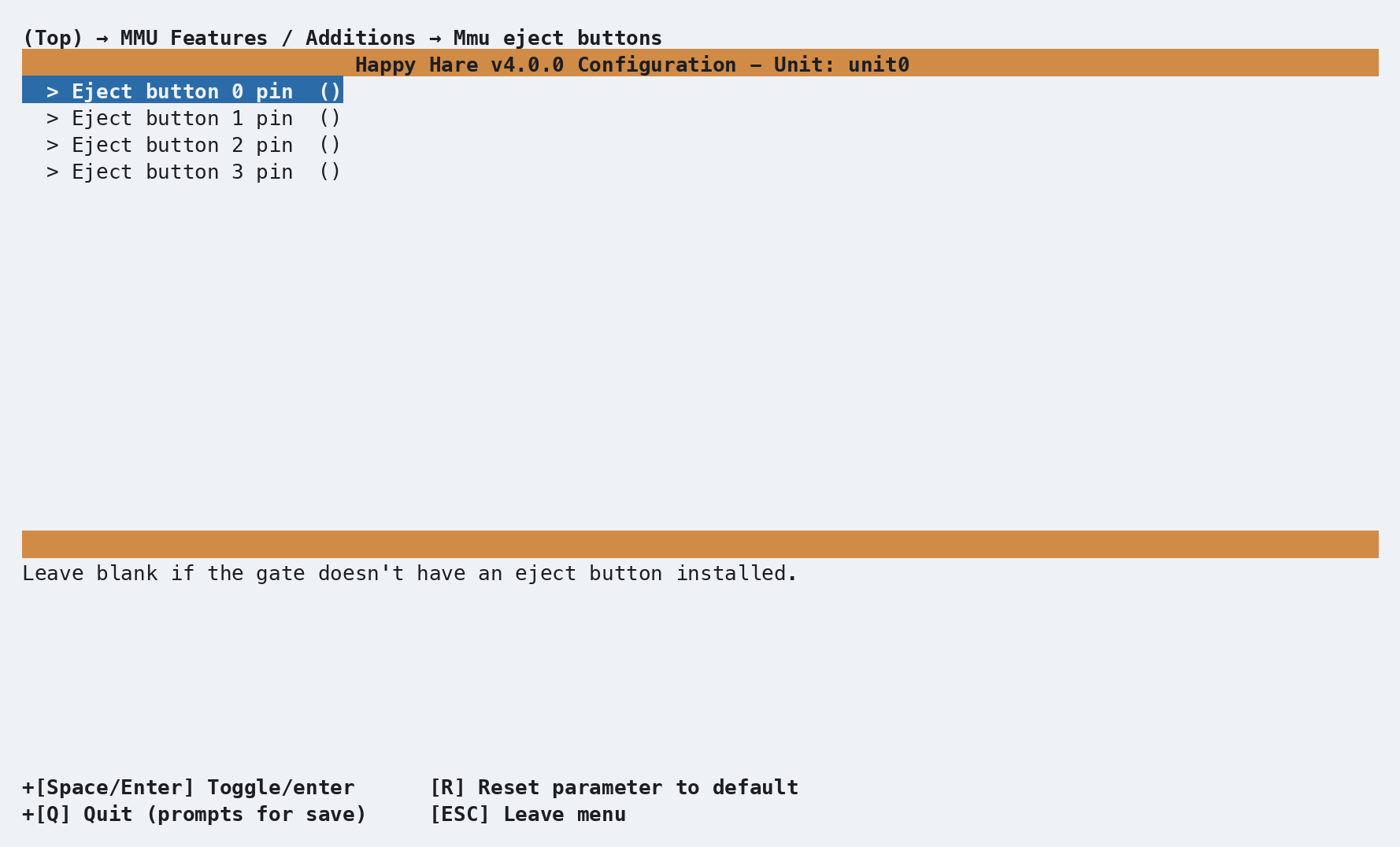
Each configured pin produces a [gcode_button ...] in mmu_hardware.cfg
that calls MMU_EJECT for that specific
gate. This example uses unit0; substitute your configured
Klipper object name in the section name,
MCU pin prefix and UNIT= argument:
[gcode_button unit0_eject0]
pin: ^unit0_gate0:PB2
press_gcode:
    MMU_EJECT UNIT=unit0 LGATE=0
LGATE= (local gate index) is exactly what a physical per-gate button
needs and isn't something you'd normally type by hand on the console -
MMU_EJECT GATE=<n> (the global gate number) is the everyday form for
manual use.
Important
Pin polarity depends on your button's wiring, not just its pin number.
Most eject buttons are normally-closed switches and want a plain
pull-up pin (^unit0_gate0:PB2). Normally-open momentary buttons (like
the EMU LED Button Board) need an inverted pin instead
(^!unit0_gate0:PB2) - get this backwards and Klipper can see the
button as already pressed right after a restart, ejecting filament on
its own.
Troubleshooting
- A gate ejects on its own after a restart - the eject button's pin polarity doesn't match how it's wired; see the warning above.