Macro: Client
What it does
Supplemental configuration for the PAUSE/RESUME/CANCEL_PRINT macros
Happy Hare ships as a drop-in, MMU-aware replacement for Klipper's own base
versions. Most of the actual toolhead behavior around a pause/resume/cancel
- parking, z-hop, retraction - is controlled by Macro:
Sequence instead; this page's settings are specifically
what happens on cancel, plus three extension hooks.
Where it's applied
reset_ttg_on_cancel/unload_tool_on_cancel- whetherCANCEL_PRINTalso resets the tool-to-gate map / unloads the current tool, in addition to Klipper's own cancel behavior.user_pause_extension- runs after Klipper's base pause.user_resume_extension- runs before Klipper's base resume.user_cancel_extension- runs before Klipper's basecancel_print.
See Operation: What Happens When the MMU
Pauses and State
Recovery for the pause → fix → resume/recover
flow these macros are part of - only relevant if you're using the shipped
client macros in the first place; the Toolchange
Movement variable_enable_park_*/park-position
settings apply regardless.
Configuration
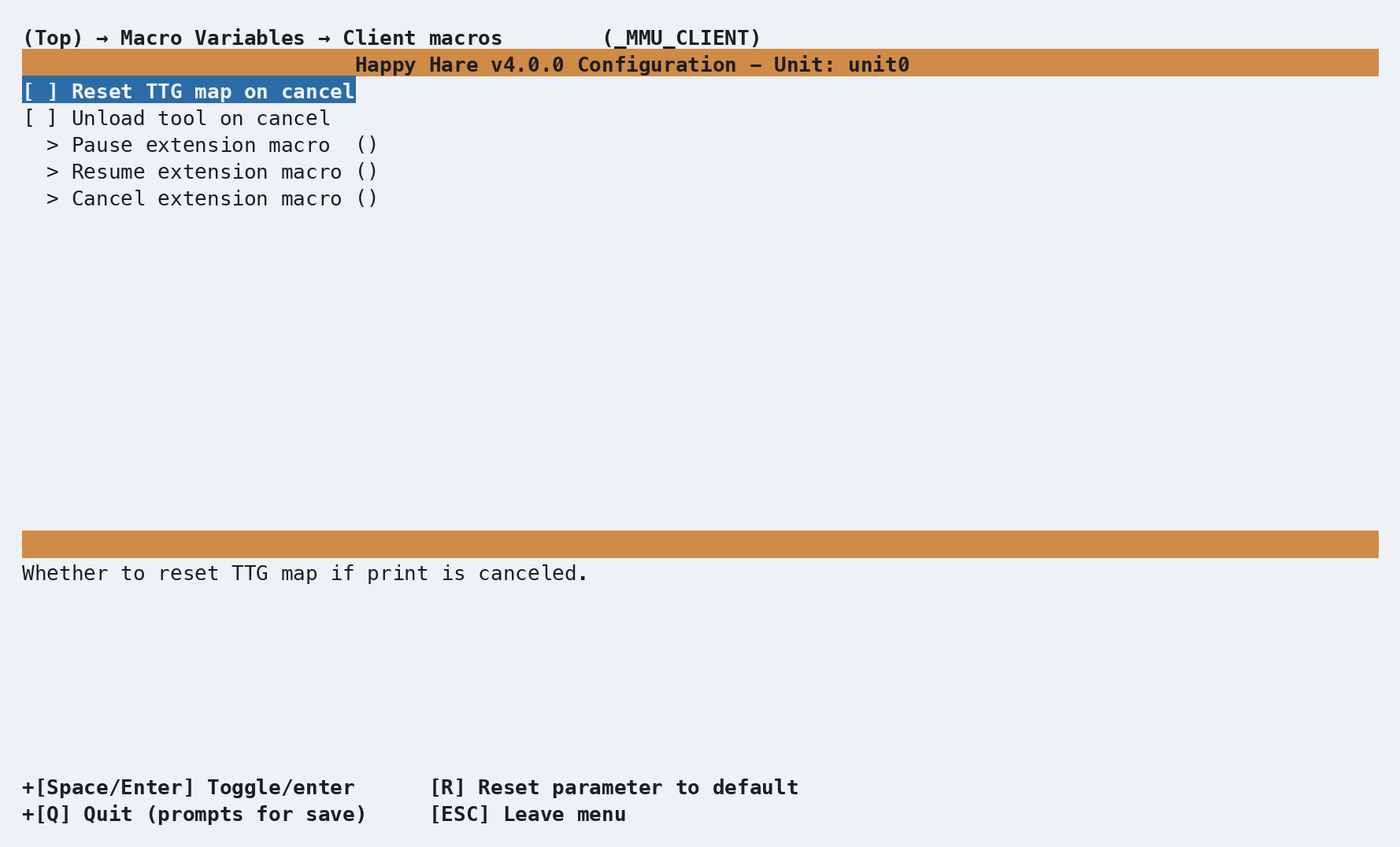
_MMU_CLIENT_VARS in mmu_macro_vars.cfg, reachable from menuconfig's
Macro Variables → Client macros (_MMU_CLIENT) screen shown above. Full
variable table: Macro Variables: Client
macros.
See also
- Macro Customization - the extension mechanism the three hooks above use
- Macro Variables: Client macros -
every
_MMU_CLIENT_VARSsetting in full - Macro: Sequence - the parking/z-hop/retract behavior around pause, resume, and cancel
- Operation - the full pause → fix → resume/recover flow